KnowledgeXLab / skill-git

Git, but for your
AI agent skills.

Track changes, roll back bad edits, and merge overlapping skills — across Claude, Gemini, Codex, and OpenClaw.

$
$

Everything your skills need

Stop managing messy, fragmented agent capabilities.

📦

Version Control

Each skill gets its own independent git repo with semantic versioning. Full history, always.

Safe Rollback

Roll back any skill to any previous version. Atomic operation — backup first, restore on failure.

🛡️

Conflict Detection

Audit skills for internal rule conflicts, contradictions, and security issues before they cause problems.

🔀

Smart Merge

Scan for overlapping skills and merge them into one stronger, unified tool. No more duplicates.

🌐

Multi-Platform

Works across Claude, OpenClaw, Gemini, and Codex out of the box.

🚀

Portable

Each skill folder is self-contained. Move or share it — the full history travels with it.

🔍

Discover & Install

Search SkillHub and ClawHub by keyword — install in one command with automatic conflict detection.

🗑️

Library Management

List, inspect, and delete skills. Keep your library lean and intentional.
skill-git in action

Ten commands. Full control.

Everything you need, nothing you don't.

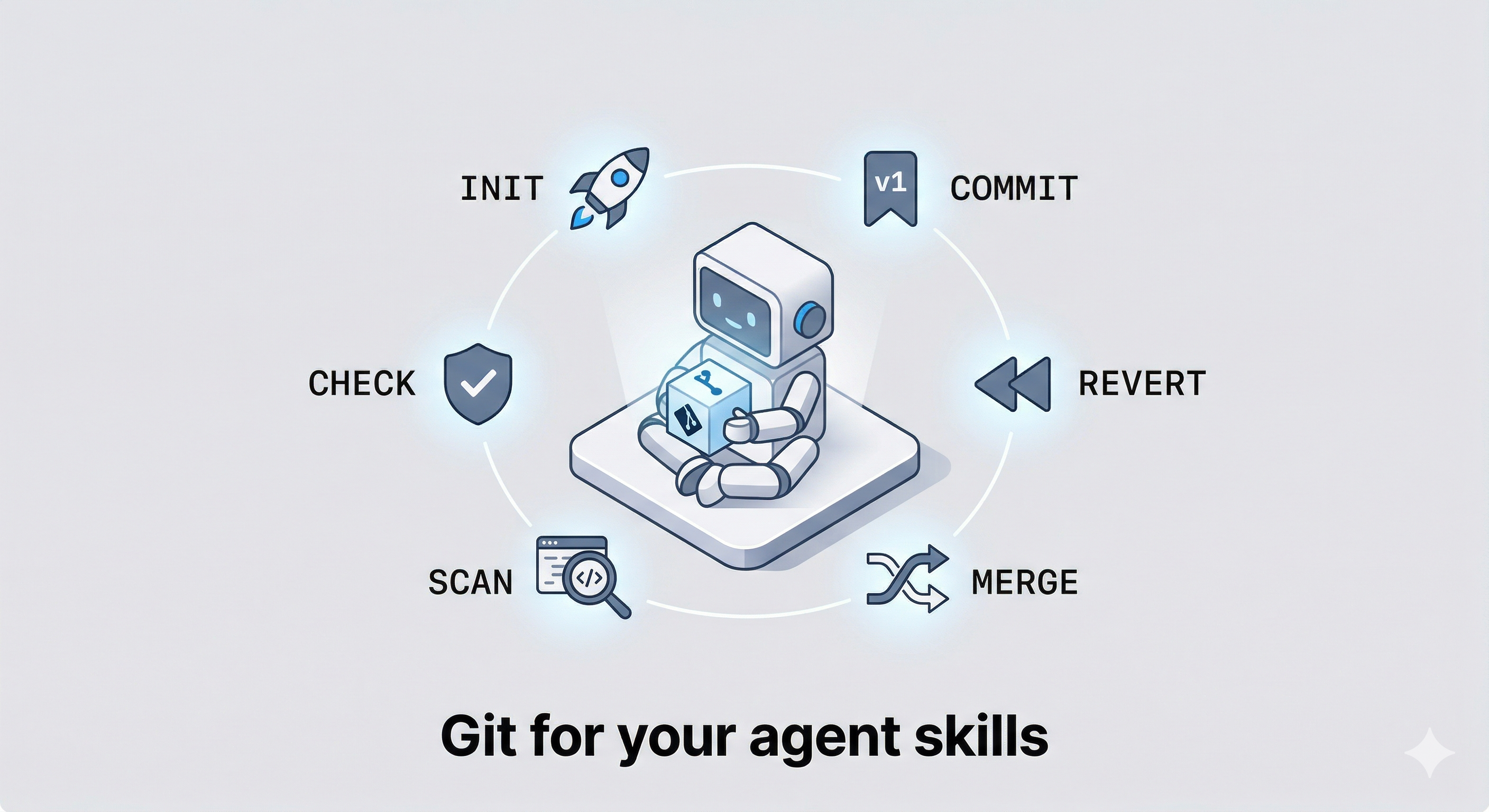
/skill-git:initInitialize version tracking for all your skills across one or more agents.
/skill-git:commitSnapshot changes with an auto-bumped semver tag. You confirm before anything is written.
/skill-git:revertRoll back a skill to any previous version. Defaults to the previous tag if no version given.
/skill-git:checkAudit a skill for rule conflicts, contradictory configs, and security issues.
/skill-git:scanFind semantically overlapping skills. Each pair is rated and cached for merge to pick up.
/skill-git:mergeCombine two similar skills into one. Conflicts resolved interactively. Nothing written until you confirm.
/skill-git:searchDiscover skills from SkillHub and ClawHub by keyword or similarity to your existing skills.
/skill-git:installInstall a skill from SkillHub or ClawHub with one command. Detects conflicts before writing anything.
/skill-git:listList all installed skills with their current versions and registration status.
/skill-git:deletePermanently remove a skill from disk and config. Warns if uncommitted changes exist.

Up and running in seconds

Pick your platform and paste one command.

claude plugin marketplace add KnowledgeXLab/skill-git
claude plugin install skill-git@knowledgexlab
# Then initialize
/skill-git:init

# Or specify the agent
/skill-git:init -a claude
clawhub install skill-git
# Then initialize
/skill-git:init -a openclaw
gemini extensions install https://github.com/KnowledgeXLab/skill-git
# Then initialize
/skill-git:init -a gemini
npx skills add KnowledgeXLab/skill-git -a codex
# Then initialize
/skill-git:init -a codex

Get the most out of skill-git

Workflow guides and recommendations.

🔍 Find, install, and version-control a new skill

You want to add a skill but aren't sure what's out there.

/skill-git:search I want to do code review
/skill-git:install clawhub:code-review
/skill-git:commit

→ search returns top results from SkillHub and ClawHub ranked by relevance. install drops files into ~/.claude/skills/ tagged v1.0.0 automatically. You're version-controlled from day one.

⏪ Edit a skill, keep what's good, undo what isn't

You tweak your planner skill. Some changes work; one update breaks your workflow a week later.

/skill-git:commit             # after a good edit — tags v1.0.1
/skill-git:commit             # after another — tags v1.0.2
/skill-git:revert planner     # something broke → rolls back to v1.0.1 instantly

→ Each commit captures the full diff and bumps the version. Revert is atomic — a backup is taken first and restored automatically if anything fails. No edit is ever truly gone.

🔀 Shrink your library by merging what overlaps

Over time you accumulated code-review, critic, and pr-feedback. They've started contradicting each other.

/skill-git:scan                        # finds all overlapping pairs, rated ★★★ / ★★☆ / ★☆☆
/skill-git:merge code-review critic    # combines the top pair interactively
/skill-git:commit                      # snapshots the merged result as v1.1.0
/skill-git:delete critic               # remove the now-redundant original

→ scan shows you the overlap score before you commit to anything. merge resolves conflicts interactively — nothing is written until you confirm. delete asks for explicit confirmation and warns you if the skill has uncommitted changes.